





In today’s fast-paced digital era, password security is more important than ever. From online banking to social media, email accounts to streaming services, we rely on passwords to secure nearly every part of our digital lives. Unfortunately, managing dozens of complex passwords is a challenge. Reusing the same weak password across multiple accounts may seem convenient, but it leaves you vulnerable to hacking, phishing, and data breaches.
That’s where password management apps step in. These tools securely store, generate, and manage your passwords while making logins seamless across devices. Whether you’re an individual user, a small business, or a large enterprise, using a reliable password manager can be the difference between staying secure and falling victim to cybercrime.
This article explores the top password management apps in 2025, their standout features, pricing options, and why they are essential for maintaining both convenience and safety in the digital age.
Why Password Management Apps Matter in 2025
The cybersecurity landscape has evolved dramatically. Hackers are more sophisticated, phishing scams are more convincing, and large-scale data breaches continue to make headlines. According to industry reports, billions of accounts are compromised every year due to weak or reused passwords.
Password management apps provide:
- Strong password generation – Create unique, complex, and random passwords that hackers can’t easily crack.
- Secure storage – Encrypted vaults keep all your logins safe in one place.
- Auto-fill convenience – Save time with one-click logins across websites and apps.
- Cross-device syncing – Access your secure passwords on phones, tablets, and desktops.
- Dark web monitoring – Get alerts if your credentials appear in known breaches.
In short, these apps combine security and convenience, reducing human error while protecting sensitive accounts.
1. LastPass: A Trusted Name in Password Management
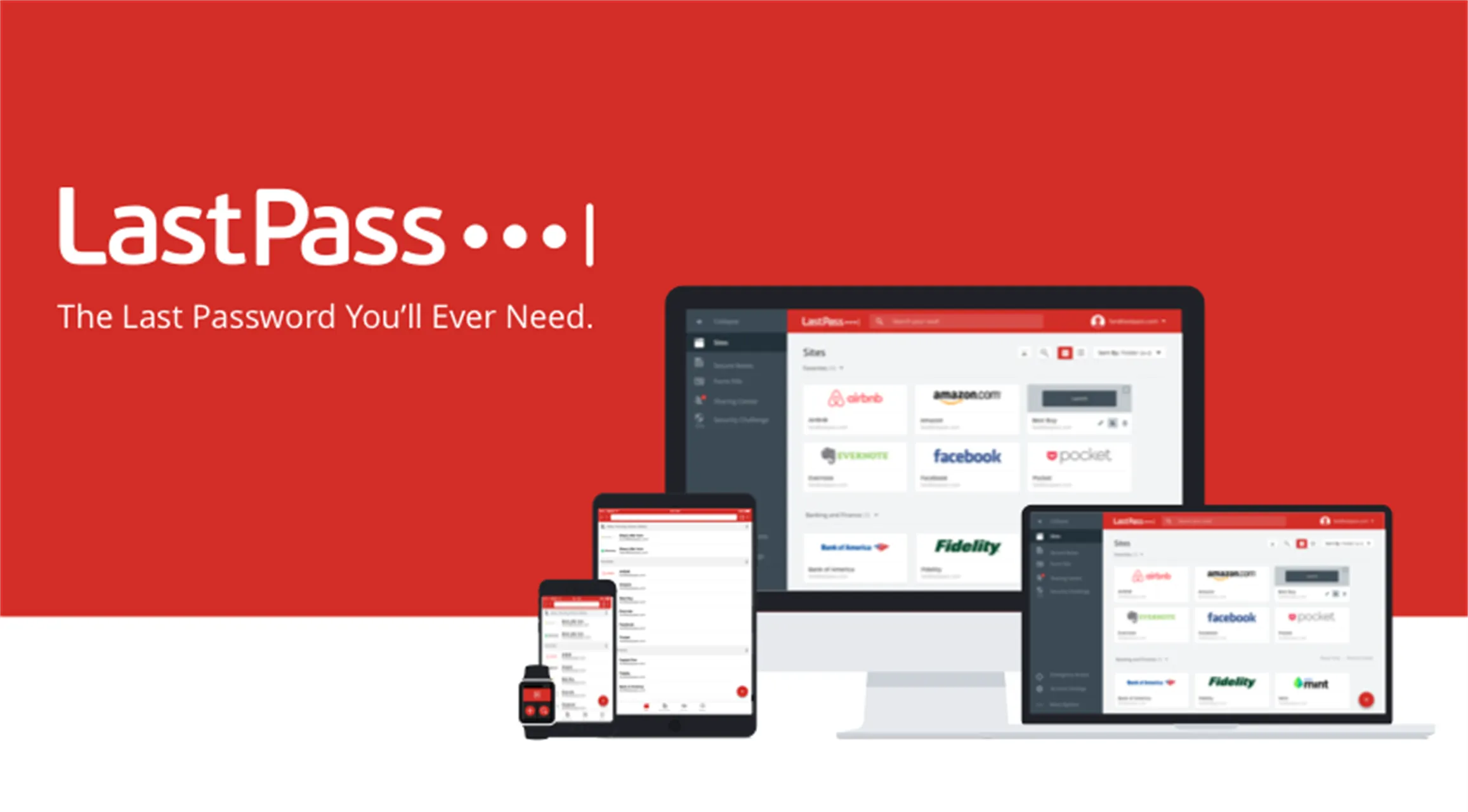
LastPass has long been one of the most recognized names in password management. Known for its user-friendly design and robust features, it continues to dominate the market in 2025.
Key Features
- Encrypted password vault with zero-knowledge security model.
- Auto-fill across browsers and apps.
- Secure notes for storing sensitive data like Wi-Fi keys or IDs.
- Dark web monitoring for compromised accounts.
- Multi-factor authentication for added security.
Why It Stands Out
LastPass offers a free plan that’s ideal for casual users, while its premium and family plans cater to more advanced needs. Its cross-platform availability ensures smooth syncing between devices, making it one of the most convenient options for everyday use.
2. 1Password: Perfect for Families and Teams
1Password has built a reputation as the go-to password manager for both individuals and businesses. It’s particularly popular for families who need to share access to accounts securely.
Key Features
- Password vaults that can be shared among family members or teams.
- Travel Mode that hides sensitive information when crossing borders.
- Advanced security dashboard for identifying weak or reused passwords.
- Browser extensions for seamless integration.
- Biometric login support.
Why It Stands Out
1Password shines in its ease of sharing credentials securely without compromising safety. Its strong customer support and focus on enterprise security make it a favorite for organizations as well.
3. Dashlane: Advanced Security With User-Friendly Tools
Dashlane is another powerhouse in the password management industry. It combines top-tier security with innovative features that make digital safety effortless.
Key Features
- Automatic password changer for certain websites.
- Real-time dark web monitoring with alerts.
- Built-in VPN for secure browsing.
- Security dashboard to assess password strength.
- Cross-device syncing with encrypted cloud storage.
Why It Stands Out
Dashlane is more than just a password manager—it’s an all-in-one digital security tool. With its integrated VPN and dark web monitoring, it appeals to users who want comprehensive protection beyond passwords.
4. Bitwarden: Open-Source and Affordable
For users who value transparency and affordability, Bitwarden is one of the best options. As an open-source password manager, it offers unmatched flexibility and customization.
Key Features
- End-to-end encrypted password vault.
- Free tier with unlimited password storage.
- Two-factor authentication options.
- Open-source code for transparency.
- Secure password sharing.
Why It Stands Out
Bitwarden provides many premium-level features in its free version, making it one of the best value-for-money options. Security experts also appreciate its open-source nature, as it allows the global community to review and improve its security practices.
5. Keeper Security: Strong Enterprise Protection
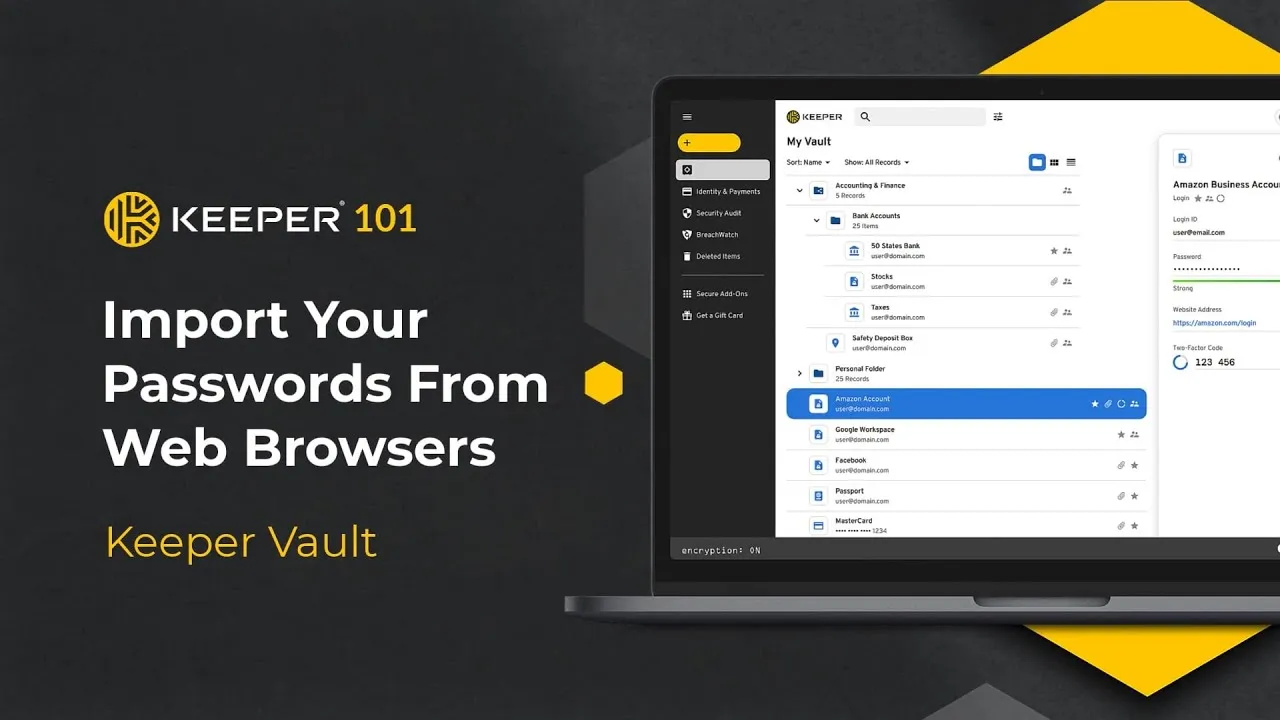
Keeper is widely regarded as one of the most secure password managers available. Its focus on enterprise-grade security makes it popular among businesses, but it also provides excellent tools for individuals.
Key Features
- Zero-knowledge security architecture.
- Advanced reporting and auditing for enterprises.
- Biometric and Face ID logins.
- Secure file storage and sharing.
- Breach monitoring with proactive alerts.
Why It Stands Out
Keeper emphasizes high-level security, offering features like encrypted file storage that go beyond traditional password management. Its enterprise solutions are particularly valuable for organizations that prioritize compliance and security.
6. NordPass: From the Creators of NordVPN
NordPass is a relatively newer player in the password management space but has quickly gained traction thanks to its creators, the team behind NordVPN.
Key Features
- Cloud-based password storage with encryption.
- Biometric login support.
- Secure password sharing.
- Offline access when internet isn’t available.
- Data breach scanner.
Why It Stands Out
Backed by a trusted cybersecurity company, NordPass benefits from strong encryption and privacy features. It integrates well with other Nord products, making it appealing to users already invested in the Nord ecosystem.
7. RoboForm: Affordable and Reliable
RoboForm has been around for years and remains one of the most affordable password managers without compromising on features.
Key Features
- One-click logins across websites.
- Secure password generator.
- Cross-device syncing with premium plans.
- Emergency access for trusted contacts.
- Support for multiple platforms.
Why It Stands Out
RoboForm is particularly attractive for budget-conscious users. While its free version covers the basics, its premium tier is priced lower than many competitors, making it an excellent entry-level option.
How to Choose the Best Password Management App
With so many excellent options, choosing the right app depends on your needs:
- For beginners – LastPass or Bitwarden offer user-friendly free versions.
- For families and teams – 1Password excels in secure sharing.
- For advanced security – Dashlane and Keeper provide added protection with VPNs and breach monitoring.
- For budget users – Bitwarden and RoboForm are cost-effective without sacrificing features.
- For ecosystem integration – NordPass pairs well with NordVPN and NordLocker.
Always consider:
- Security protocols – Ensure the app uses end-to-end encryption.
- Device compatibility – Check if it works across all your devices.
- Extra features – Look for perks like VPNs, dark web monitoring, or file storage.
- Ease of use – The best password manager is one you’ll actually use consistently.
The Future of Password Management in 2025 and Beyond
While password managers are vital today, the future may look different. With technologies like biometric authentication, passkeys, and AI-driven identity protection, passwords themselves might eventually disappear.
However, until that happens, password management apps remain a necessity. They provide a bridge between the old password-dependent system and the passwordless future, ensuring that users remain protected every step of the way.
We can expect future password apps to incorporate:
- AI-generated alerts for unusual login behavior.
- Seamless integration with passkeys and biometrics.
- Smarter algorithms for detecting phishing attempts.
- Even greater emphasis on privacy and zero-knowledge architecture.
Conclusion
Managing passwords manually is no longer realistic—or safe—in 2025. With the constant threat of cyberattacks, password management apps have become essential tools for individuals, families, and organizations alike.
From popular choices like LastPass and 1Password to open-source solutions like Bitwarden and enterprise leaders like Keeper, there’s an app for every need and budget. These tools not only protect your accounts but also simplify digital life by making logins seamless across all devices.
By adopting the right password manager, you’ll take a major step toward safeguarding your personal and professional digital identity. In a world where data is the new gold, protecting it with the right tools is not optional—it’s essential.