
In the digital era, stickers have evolved far beyond simple emojis. They are fun, expressive, and powerful tools for personal communication, social media, and branding. Whether you’re chatting with friends, spicing up social posts, or creating digital marketing content, sticker creation apps give you the power to design, animate, and share custom stickers with ease.
From drawing apps to photo-to-sticker converters, animated sticker tools, and niche creative platforms, the options are vast. This article will guide you through the top apps for sticker creation in 2025, highlighting their features, benefits, and why they are essential for anyone who loves creative expression.
1. Design & Illustration Apps: Craft Custom Stickers
Creating your own stickers from scratch requires precision, creativity, and flexibility. Design and illustration apps give users these capabilities with professional-grade tools.
Top Apps in This Category
- Procreate – A powerful iPad app with brushes, layers, and textures, ideal for drawing unique and detailed stickers.
- Adobe Illustrator Draw – Vector-based design allows you to create stickers that scale without losing quality, perfect for commercial use.
- Affinity Designer – Offers advanced design tools on both mobile and desktop for polished, professional-quality stickers.
- Clip Studio Paint – Popular among illustrators for comics and animations, also great for custom sticker creation.
- MediBang Paint – Lightweight and accessible, good for beginners wanting digital drawing tools.
How to Create Stickers Quickly
Most of these apps allow users to use templates or layers to speed up sticker creation. Start with a rough sketch, add details on separate layers, and export in PNG format for messaging apps.
Benefits
- Full creative control over design elements
- Exportable for messaging apps like WhatsApp, Telegram, and iMessage
- Ideal for artists and marketers who want unique branding elements
2. Photo-to-Sticker Apps: Transform Pictures Into Stickers
If drawing isn’t your strong suit, photo-to-sticker apps let you convert selfies, pets, or memorable photos into shareable stickers. Many apps include background removal, filters, and text overlays.
Top Apps in This Category
- Sticker Maker Studio – Import photos, remove backgrounds, and turn them into stickers compatible with WhatsApp.
- Sticker.ly – Community templates plus photo-to-sticker features, including animated options.
- PicsArt – Offers sticker templates, editing tools, and background removal.
- Bazaart – Advanced photo editing tools that allow layering and blending for creative stickers.
- Cut Paste Photos – Perfect for turning any image into a sticker with easy cut-and-paste features.
Tips for Effective Photo Stickers
- Use high-contrast images for cleaner cutouts
- Add borders or shadows for better visibility on messaging apps
- Include text or emojis to enhance personality
Why They’re Useful
- Instant transformation of photos into stickers
- Editing features allow customization before sharing
- Animated sticker options make messaging more dynamic
3. Animated Sticker Apps: Bring Stickers to Life
Static stickers are fun, but animated stickers grab attention and make chats more lively. These apps focus on motion, effects, and interactivity.
Top Apps in This Category
- GIPHY – Convert GIFs or videos into stickers compatible with messaging apps.
- Sticker Maker for WhatsApp (Animated) – Add movement, transitions, and text animations.
- Canva – Animated sticker templates for social media and messaging.
- FlipaClip – Perfect for creating frame-by-frame animated stickers.
- PicsArt Animator – Turn drawings or images into looping animations.
How to Make Stickers Pop
- Use short, looping animations to avoid large file sizes
- Incorporate facial expressions or emoji-style motions for expressiveness
- Combine text overlays with animation for storytelling
Benefits
- Increase engagement in chats and social media
- Perfect for marketing campaigns or personalized messages
- Easy export to popular platforms like WhatsApp, Instagram, and TikTok
4. Social Media & Meme Sticker Apps: Fun and Trendy Designs
Many users prefer pre-made or avatar-based stickers for fast, entertaining messaging. Social media-focused apps provide trending packs and meme stickers.
Top Apps in This Category
- Bitmoji – Personalized cartoon avatar stickers
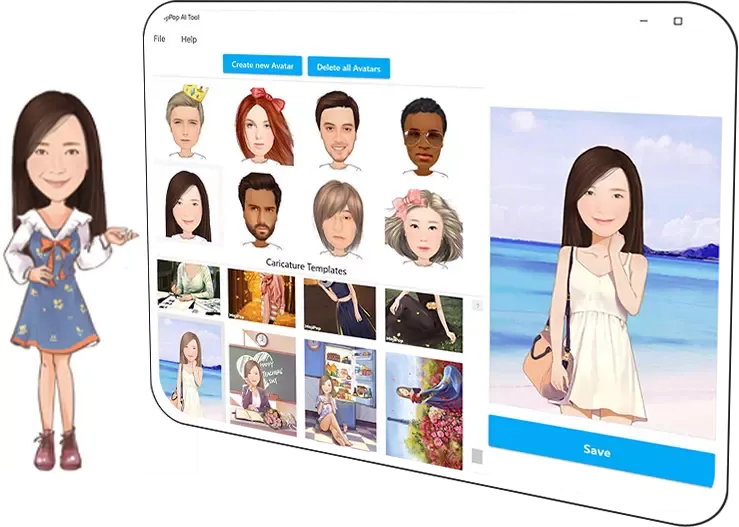
- MojiPop – Generates funny, expressive stickers from selfies
- Zmoji – Avatar-based sticker creation with many expressions
- Memoji (Apple) – iPhone-exclusive animated avatar stickers
- FaceQ – Create cartoon avatars to convert into stickers
Why They’re Useful
- Quick, expressive, and fun for everyday messaging
- Customizable avatars allow unique personalization
- Great for social media trends and seasonal sticker packs
5. Niche & Specialized Sticker Apps: Unique Creations
Specialized apps focus on curated experiences, professional use, or creative niches, providing tools for highly tailored sticker designs.
Top Apps in This Category
- Sticker Maker Pro – Advanced tools for professional sticker packs
- LINE Creators Studio – Design and publish stickers directly to LINE marketplace
- GoodNotes Stickers – Ideal for digital planners, journaling, and educational stickers
- Sticker Market – Focused on themed sticker packs for niche interests
- Sticker Maker by Viko & Co. – Easy app for creating and selling custom stickers
Why They’re Useful
- Provides professional-grade tools for serious creators
- Perfect for monetizing sticker packs
- Allows highly personalized or branded designs
6. Tips for Designing Stickers That Stand Out
Creating great stickers isn’t just about tools; it’s also about design principles:
- Simplicity is key – Clear lines and readable shapes work best
- Express emotions – Stickers should convey feelings or reactions effectively
- Use bold colors – Vibrant shades make stickers visible on different backgrounds
- Test on platforms – Check visibility on messaging apps and social media
- Keep sizes reasonable – Stickers should load fast and not overwhelm chats
7. How AI is Changing Sticker Creation
Artificial Intelligence is transforming sticker design:
- Auto-background removal saves editing time
- AI-generated avatars and illustrations make creation faster
- Style transfer algorithms let you turn photos into unique art styles
- AI-assisted animations generate motion effects with minimal effort
These tools allow creators to produce stickers faster, with higher quality, and without advanced design skills.
8. Top Platforms to Publish or Sell Your Stickers
Once stickers are created, publishing or selling is the next step:
- LINE Creators Market – Sell stickers to millions of users worldwide
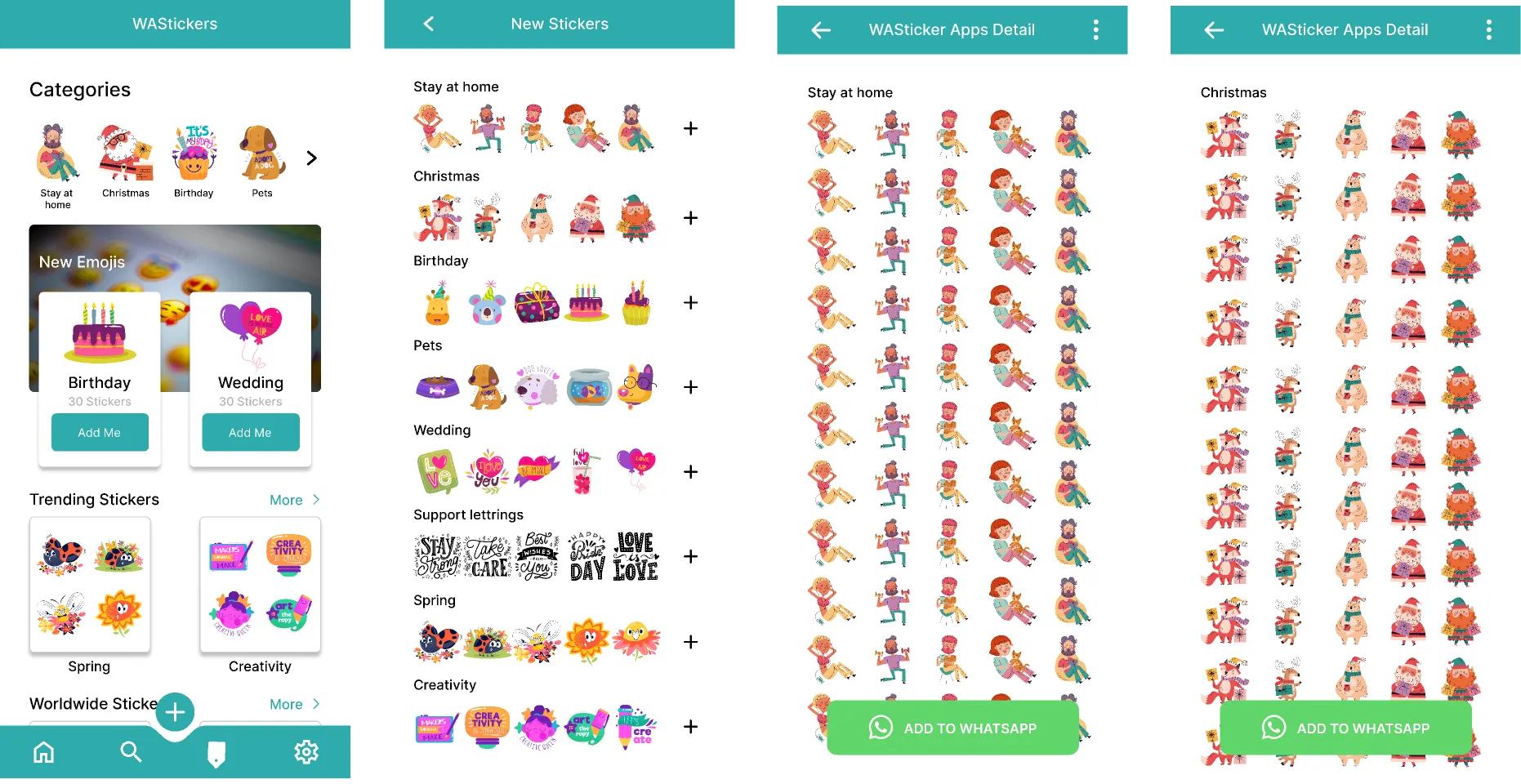
- WhatsApp Sticker Packs – Upload and share freely or market on social media
- Etsy – Sell digital sticker packs for planners and messaging apps
- Telegram – Publish free or paid stickers to a broad community
- Redbubble / Zazzle – Convert digital stickers into physical products
Monetizing stickers can be a fun side hustle or full-time creative business.
Conclusion: The Future of Sticker Creation
In 2025, sticker creation apps are more versatile and creative than ever. From professional illustration to photo-to-sticker converters, animated tools, social media packs, and niche platforms, there’s an app for every type of creator.
AI, animation, and cross-platform integration are making stickers smarter, more dynamic, and easier to share. Whether you’re a casual user, social media enthusiast, or professional artist, these apps let you design, animate, and monetize stickers in exciting ways.
Stickers are no longer just fun add-ons—they are powerful tools of communication, self-expression, and creative entrepreneurship. With the right apps, anyone can create stickers that stand out, engage audiences, and bring personality to digital messaging.