








Games on the playlay.top website are sourced from the App Store and Google Play, then edited and edited by our team. If you are interested in the games on our website, you can download them through the recommended download links, some games support playing directly on your browser. If there is any infringement, please contact us.


Games on the playlay.top website are sourced from the App Store and Google Play, then edited and edited by our team. If you are interested in the games on our website, you can download them through the recommended download links, some games support playing directly on your browser. If there is any infringement, please contact us.
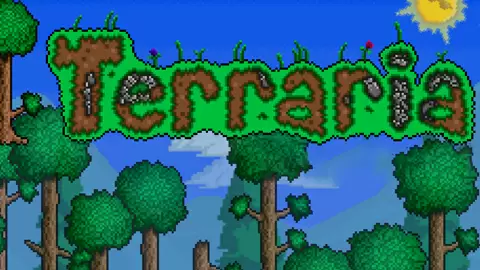
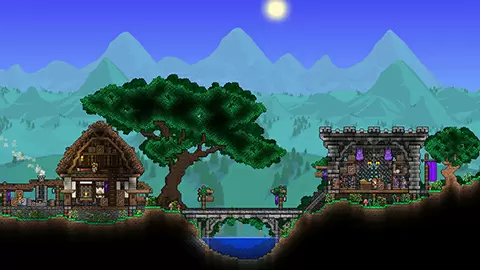
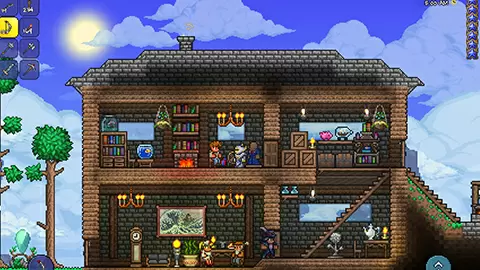
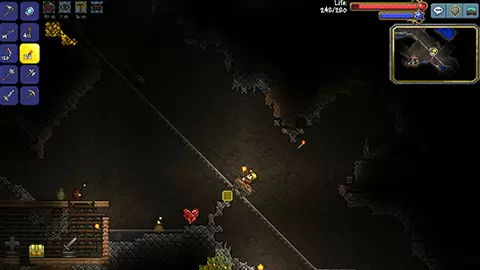
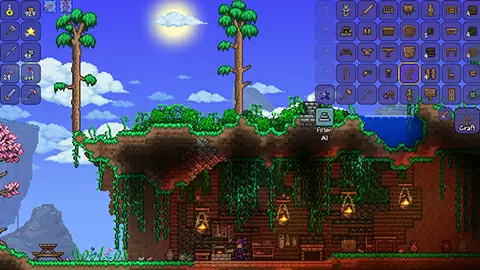

★ Welcome to Terraria (Stamped) - Play Full Screen
Updated! - Grappling Hooks, Falling Stars, Mana + Staves (Staff), More weapons, Gems, & demon altars. King Slime (beta - use slime crown from creative mode), Health bars, Boomerang, Spear, Gender [press G], The Bug Net, (Pause then [S] to save game)
★ Instructions:
[WASD] to move
[Click] to dig or place items (based on tool)
[0 to 9] Select Tool
[E] Open / Close Inventory
[Q] Quick select torch (then click to place)
[C] Center screen on mouse
[X] fire grappling hook (if you have one)
[R] to reset your location
[F] to toggle the world map
[K] Creative Mode Toggle
[N,M,H,J] to spawn a mobs in creative (for testing)
[G] Switch Gender
[O] to toggle time of day
[P] to pause (then [S] or [L] to save or load)
[U] to toggle game music
When digging, if the mouse is far away from your player, then auto dig is enabled to make things easier.
When crafting, hold down the mouse over an item to craft many of them before dragging into your inventory to confirm.